
 Recognise the operator interface
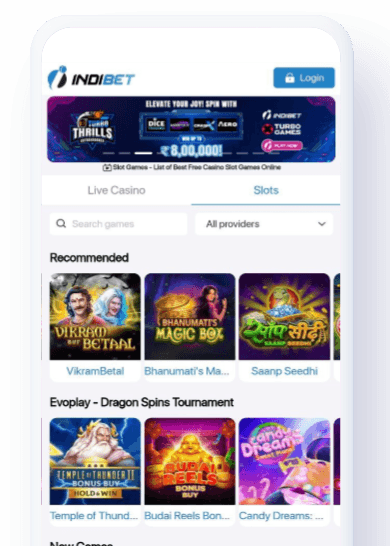
This image is provided to help identify the Indibet mobile experience. Layout, promotions and available sections can change between releases.
Android and iOS access
Indibet promotes an Android APK download and a mobile browser experience. If a native iOS download is unavailable in your region, use the verified mobile website rather than an unofficial app-store listing.
Android installation
- Follow the verified Indibet link and locate the current Android download.
- Download the APK directly from the operator destination.
- If Android asks, allow installation for that browser only.
- Install the package, then disable the temporary permission.
- Open the app and confirm the operator branding and destination before logging in.
App features
The published mobile experience includes account login, cricket event navigation, pre-match and in-play markets, the bet slip, deposits, withdrawals, verification and support access. Exact features and compatibility depend on the current release.
App versus mobile web
APK safety
- Avoid third-party APK mirrors and files shared in chats.
- Do not bypass security warnings for an unknown package.
- Keep Android and the app updated.
- Remove any app that requests unrelated permissions.
- Never store your password in a shared device.
Get the current version
Download locations and version requirements may change, so use the operator destination rather than a saved APK file.
Check the current mobile option ↗Indibeti does not host an APK file. Downloads and updates come from the operator’s current destination.